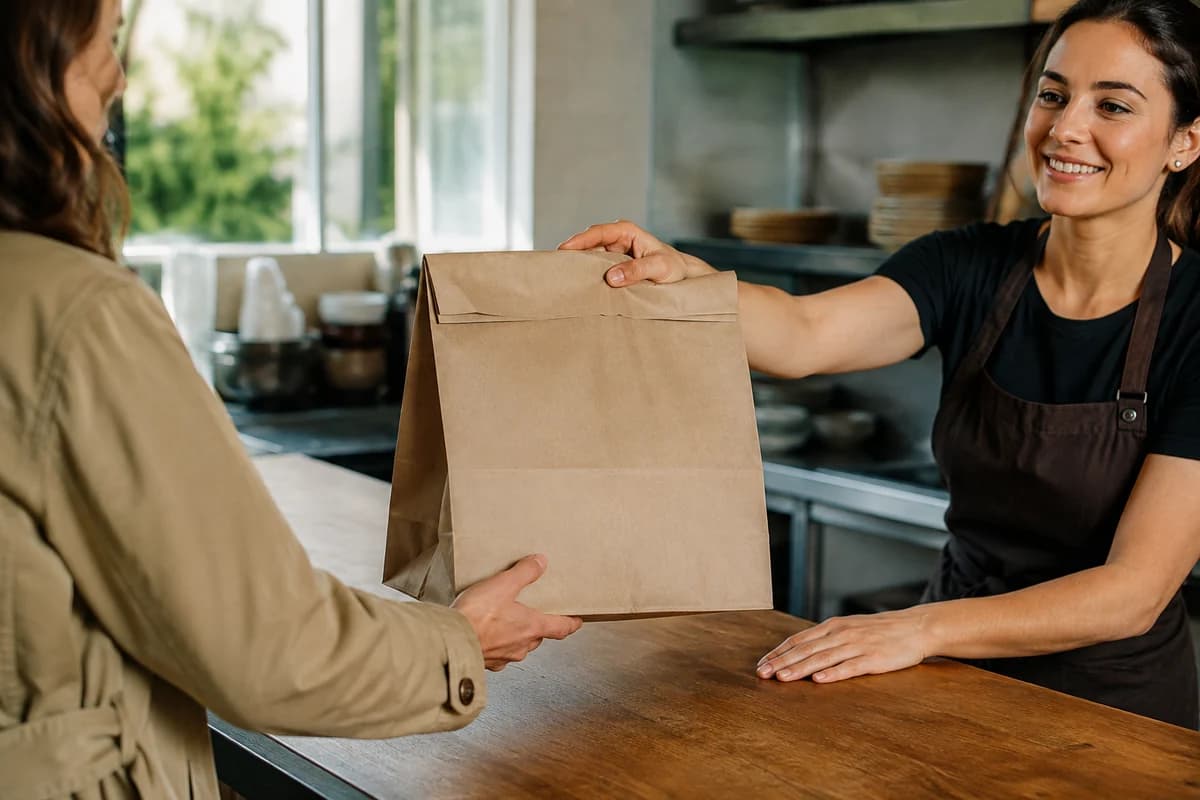
Pickup & scheduling
Prep times, pickup hours and advance orders that fit your kitchen.
See the controls
- Separate pickup hours and minimums
- Preparation estimates in minutes, hours or days
- Advance ordering with a limit you choose
Direct orders, guest rewards and the tools behind the counter. Connected under your restaurant’s name.
 Dinevate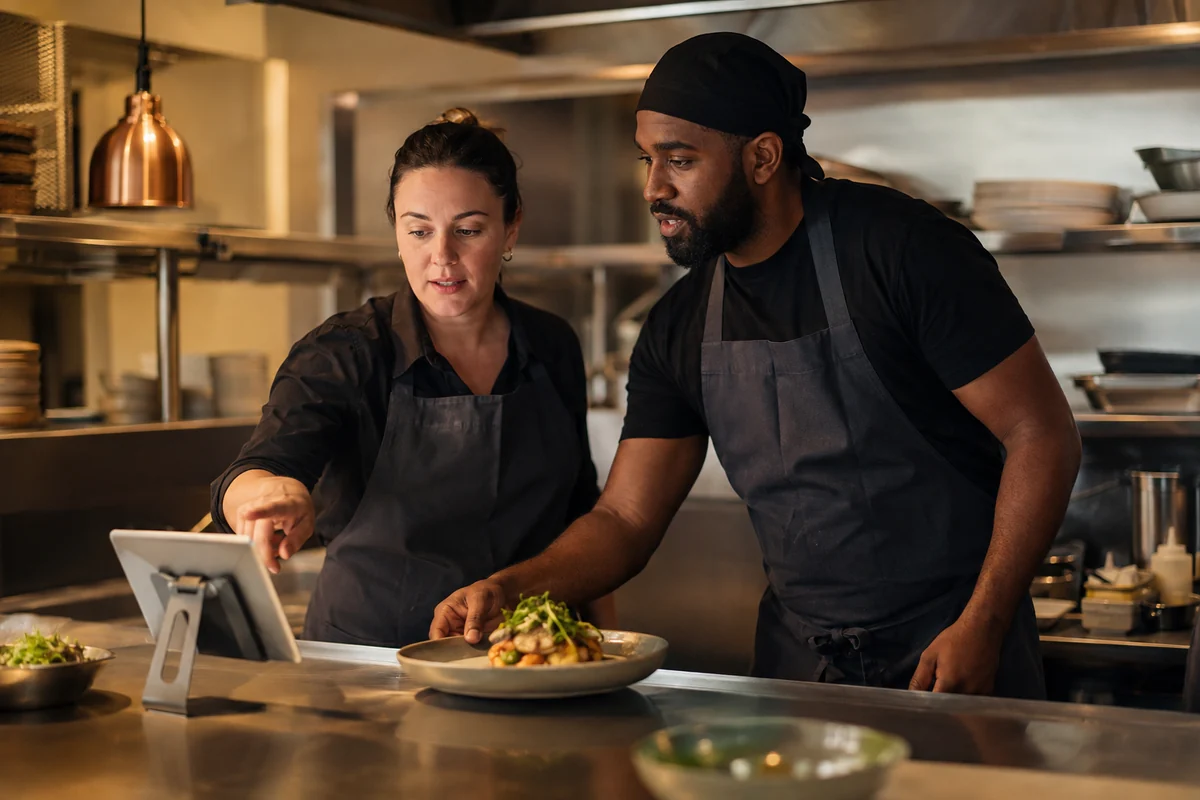
Your original logo, your food and your own website address. Give guests a clear path from finding you to placing an order.
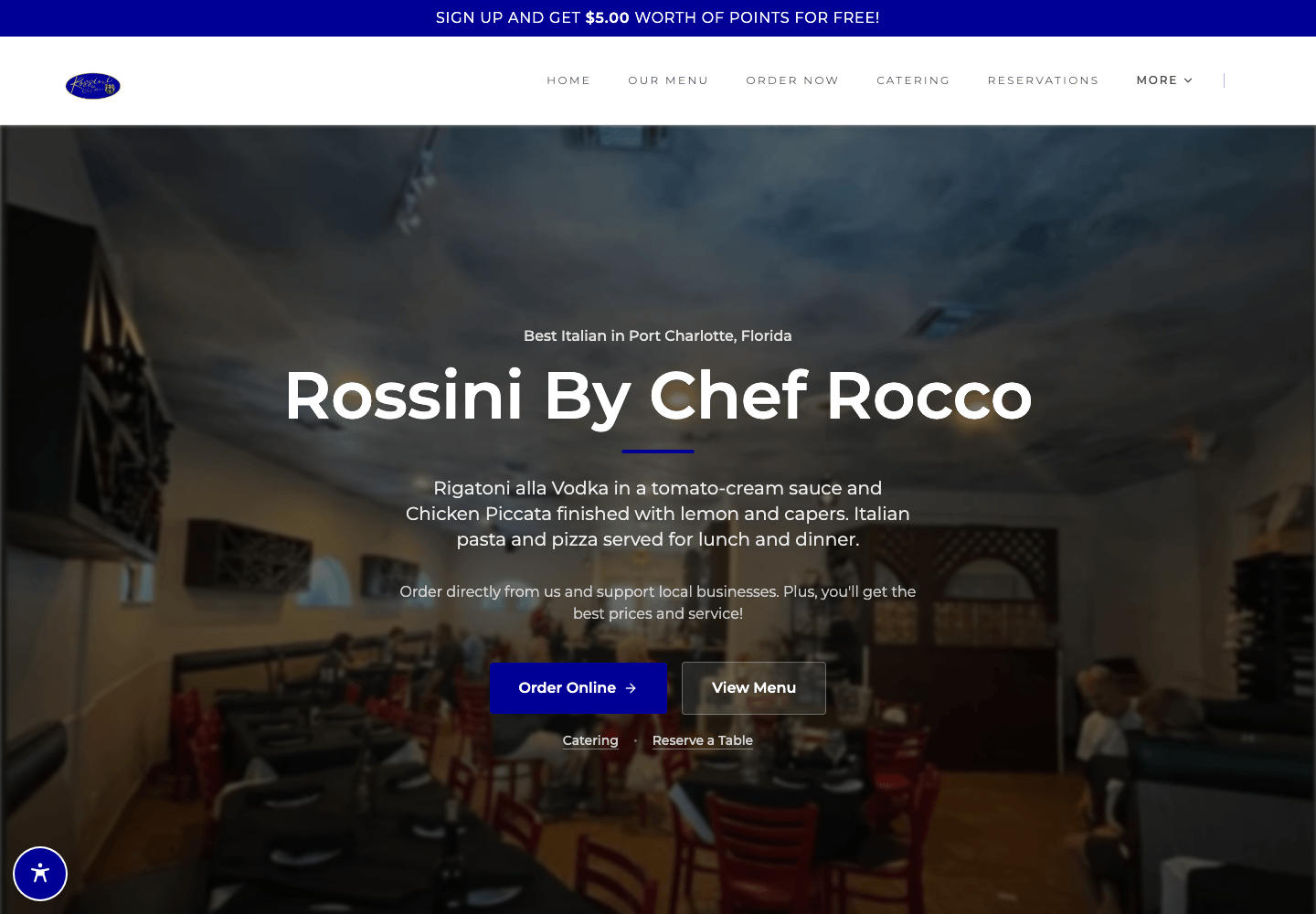

Website shown: Rossini By Chef Rocco
 Half pepperoni. Half mushroom.
Build your menu’s choices into the order. Sizes, required options and clearly priced extras arrive with the ticket.
Set size-specific prices, required option groups, half-and-half toppings and item instructions. Modifier prices can change with the selected size.
Configure tipping and applicable service fees. Card payments and supported Apple Pay or Google Pay options depend on your payment setup. Eligible wallet credit can cover part of an order.
Use automatic offers or coupon codes. Choose eligible items, minimum spend, expiry dates and hours, with separate rules for pickup and delivery.
Prep times, pickup hours and advance orders that fit your kitchen.
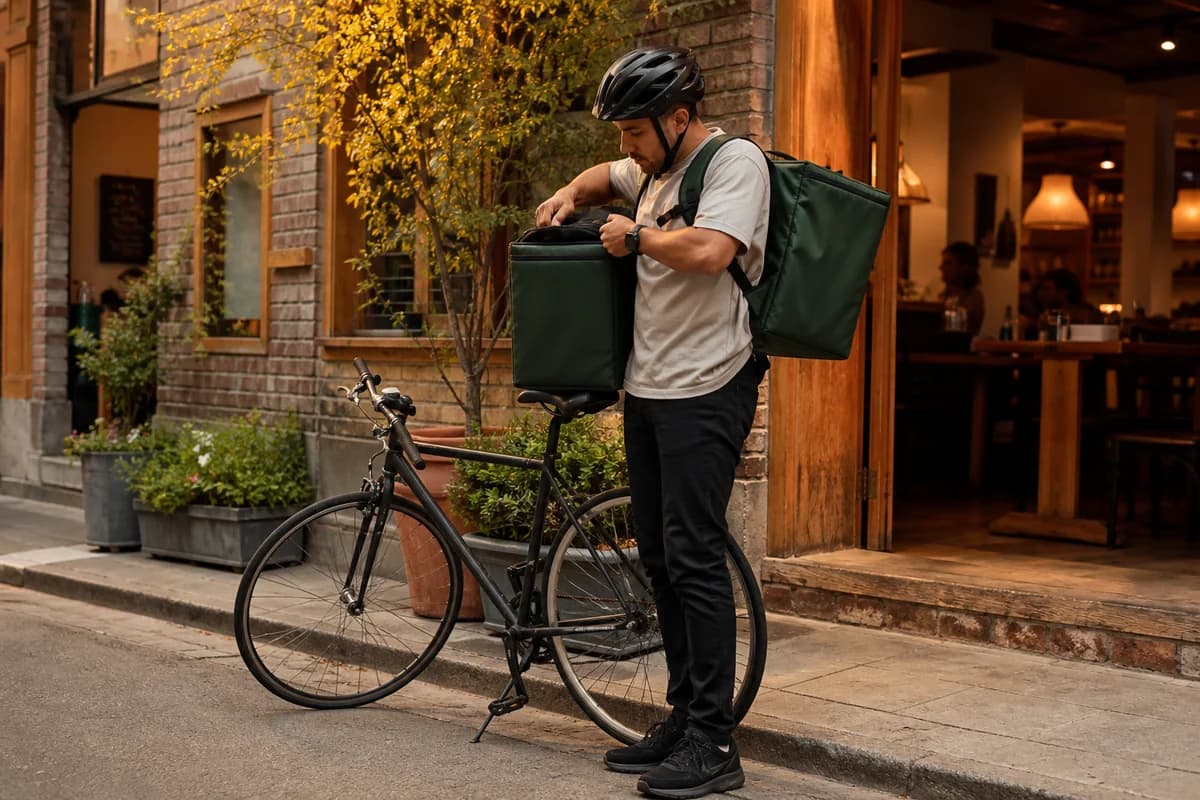
Choose the areas you serve, the delivery hours and the fee for each zone.
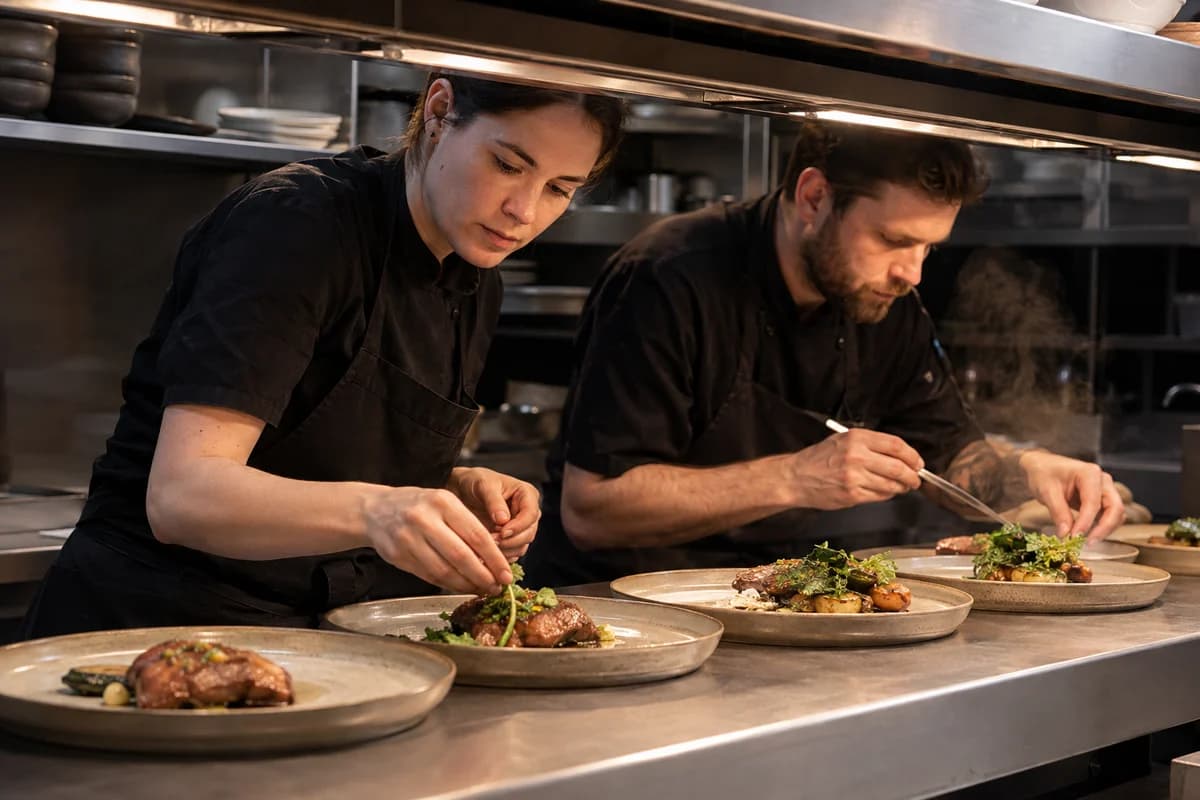
Set busy thresholds and pause new orders when the kitchen needs time.
Dinevate Delivery availability and service charges are confirmed for your location during setup.
Your restaurant’s name and menu, in its own app. Guests can return to a favorite order, check its status and keep their rewards close.
You choose the rewards. Guests see their progress and available credit when they order.
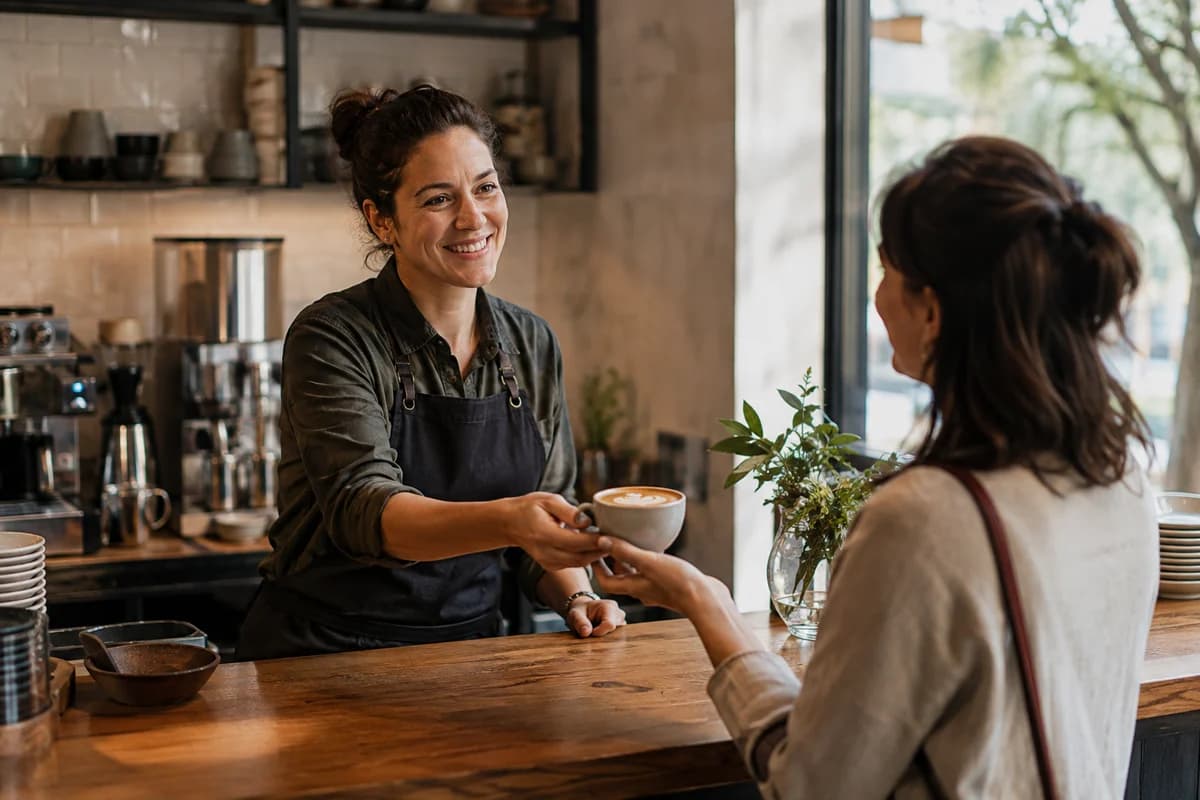
Name your program. Set earning rates, redemption values and stamp-card goals that work for your restaurant.
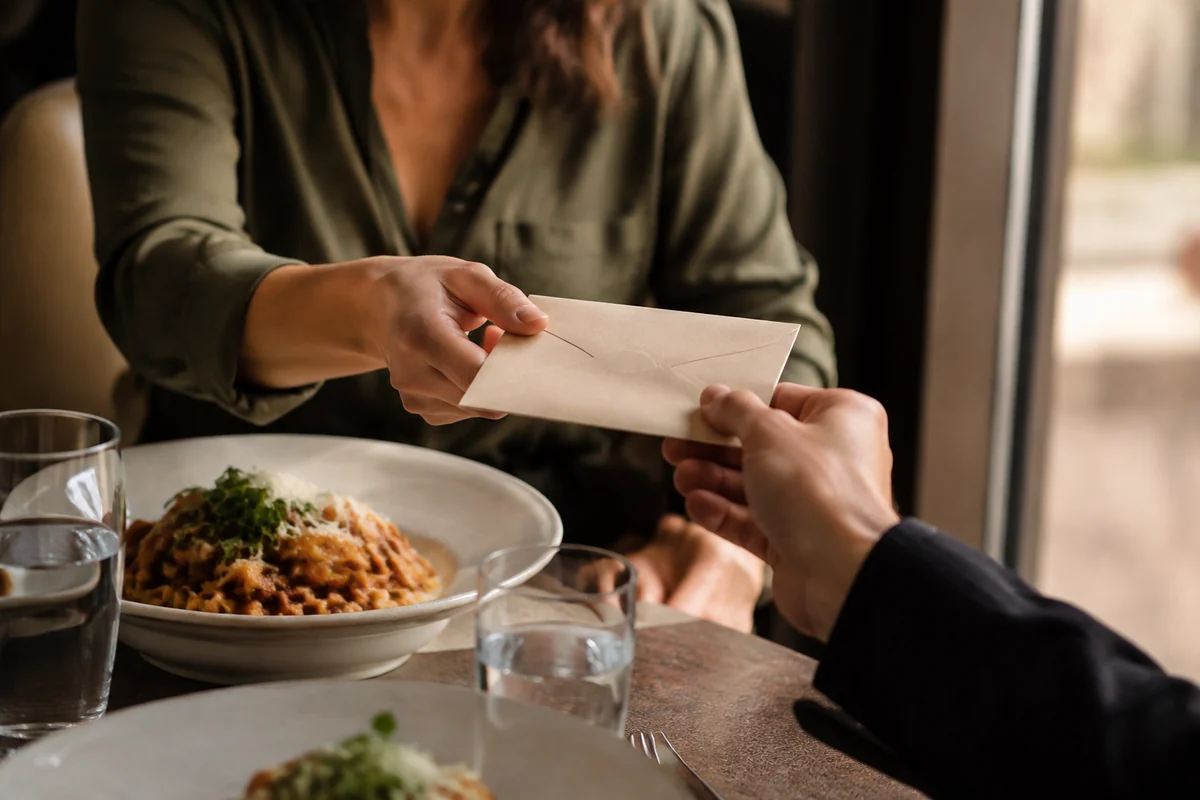
Offer reloadable credit and gift cards. Set eligible first-load bonuses and cashback, with balance and card payment available at checkout.
Connect local search to your menu, then give guests who opted in a useful reason to hear from you again.
Location pages, accurate restaurant information, Google Business Profile links and Search Console reporting.
Restaurant updates and offers for eligible, opted-in guests, with a direct link back to ordering.
Search performance varies by restaurant and market.
Website and app orders reach a shared Order Manager, with the guest’s choices attached.
Review incoming orders, update their status and manage fulfillment from the same workflow.
Individual staff logins, adjustable permissions and order alerts for the people who need them.
The Order Manager tablet is loaned to your restaurant and remains Dinevate property.
Dinevate Voice can take English-language orders, reservations and catering requests. It is an optional service with separate pricing. Available features depend on your setup.
Bring your menu. Review your package and pricing.
Our team will help with the setup and launch.


