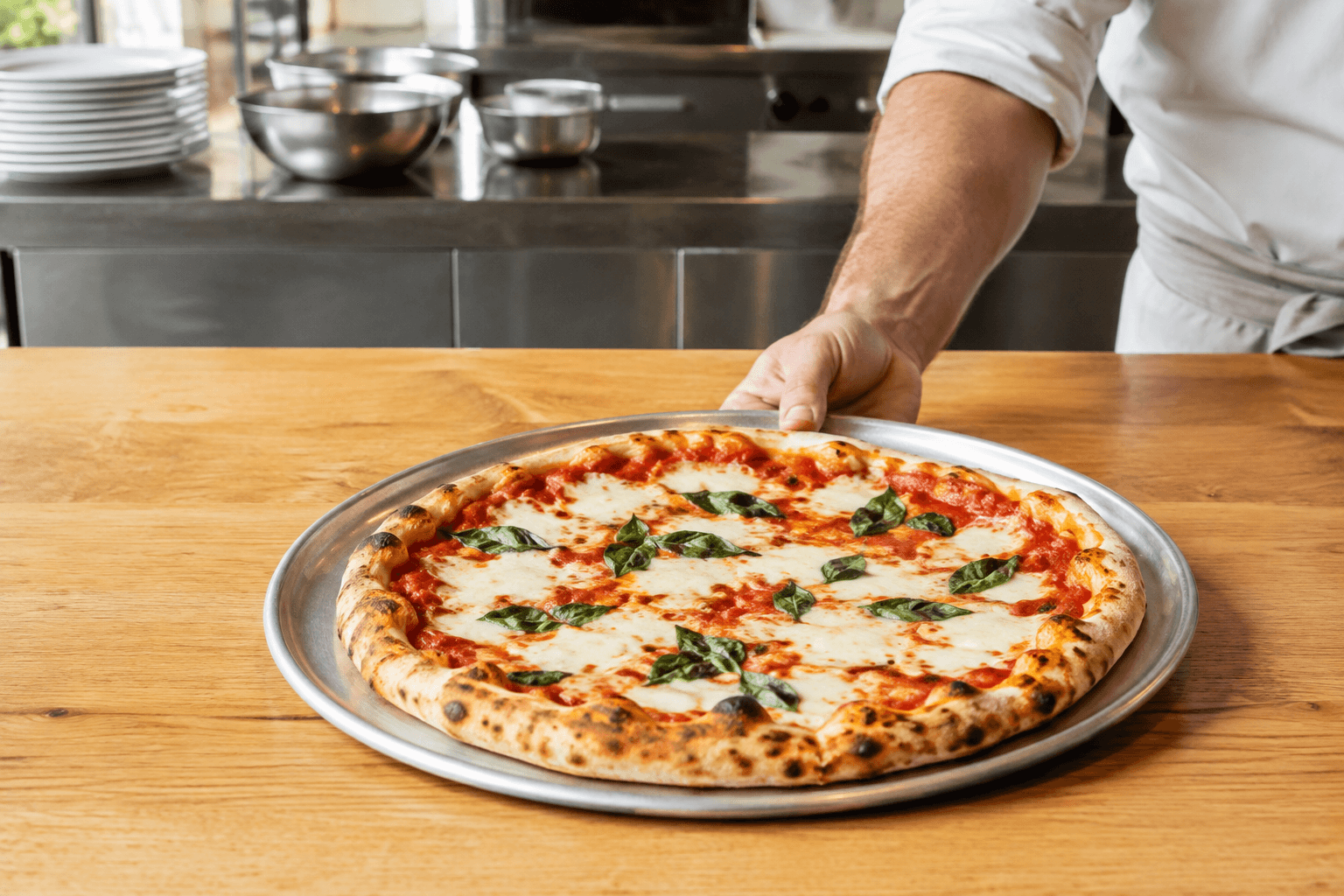
A shared order queue
Orders from connected channels reach the same Order Manager instead of separate product inboxes.
Dinevate Order Manager
Bring website, app, phone and in-store orders into a shared workflow your team can use during service.
See it with your menuThe customer may arrive through a different channel. Your staff still needs a clear ticket, the right choices and a dependable way to move the order along.
Orders from connected channels reach the same Order Manager instead of separate product inboxes.
Use your configured printer flow and kitchen display, including supported station routing.
Manage order status and fulfillment details within the same restaurant operation.
Keep the originating channel on the order so reporting can compare website, app, phone and in-store activity.
A closer look
An order management system needs to keep the kitchen informed as orders arrive from different places. Dinevate’s website, restaurant app, enabled Voice and in-store orders use a shared pipeline, with printer and kitchen settings configured around your operation.
Printer setup guideEligible orders from connected channels join the same Dinevate order pipeline. Staff use the configured Order Manager and printer workflow.
Dinevate supports configured printer workflows and supported station routing. Review the hardware and network requirements for your restaurant before setup.
The core setup includes a loaned Order Manager tablet. It remains Dinevate property, and return arrangements should be reviewed with your billing terms.
Better together
Let guests order from your restaurant’s website, choose what goes into their meal and check out for pickup or delivery.
AI restaurant phone service for ordering, reservations, catering, delivery updates and eligible placed-order changes, with loyalty and saved cards connected through checkout.
Offer delivery from your own ordering experience with the service options available to your location.
Let’s look at your restaurant
Bring your menu, your questions and the way you work. We’ll walk through the setup with you.