Explain each dish
Keep item descriptions, portions and included sides clear. Use original dish photography where available.
Websites and online ordering for seafood restaurants
Help guests explore seafood dishes, choose preparations and sides, and find the next step on your restaurant’s own website.
See it with your menu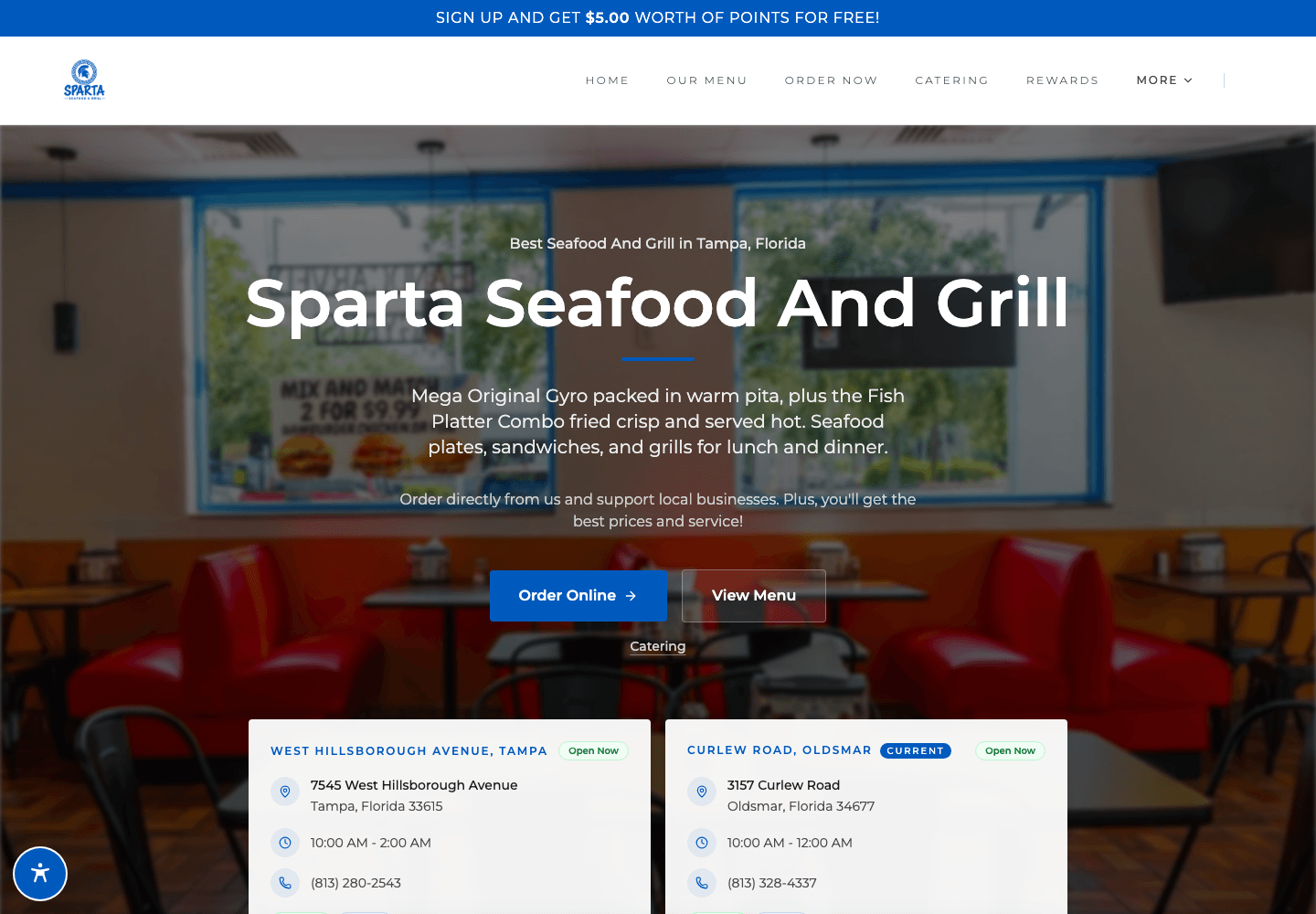

Seafood menus can include preparation choices, portions and changing item availability. A clear restaurant website explains the food while the connected ordering menu collects the choices your kitchen needs. Explore Sparta Seafood And Grill as a live website example.
Keep item descriptions, portions and included sides clear. Use original dish photography where available.
Set preparation options, sizes and sides in the menu groups supported by your kitchen.
Keep the ordering menu current when a dish is unavailable. Review changes on mobile as well as desktop.
Bring website and app orders into the same platform, with eligible loyalty and customer records available for repeat visits.
Set up the supported preparation, portion and side choices for each dish using the restaurant’s menu options.
Use menu availability controls to keep unavailable items from being offered during service.
The website and direct ordering experience support mobile screens. Review descriptions, photographs and required choices on a phone before launch.
Better together
A website built around your food, your neighborhood and the next thing a hungry guest wants to do.
Let guests order from your restaurant’s website, choose what goes into their meal and check out for pickup or delivery.
Keep points, credits and restaurant offers close to the ordering experience, so guests can see what coming back means for them.
Let’s look at your restaurant
Bring your menu, your questions and the way you work. We’ll walk through the setup with you.