Make drink choices explicit
Use sizes and required options for the selections your baristas need. Keep extra shots, milk substitutions and other available additions clearly priced.
Online ordering for coffee shops
Put drink sizes, milk choices, extras and food on a direct ordering menu that connects with your cafe’s website and customer tools.
See it with your menu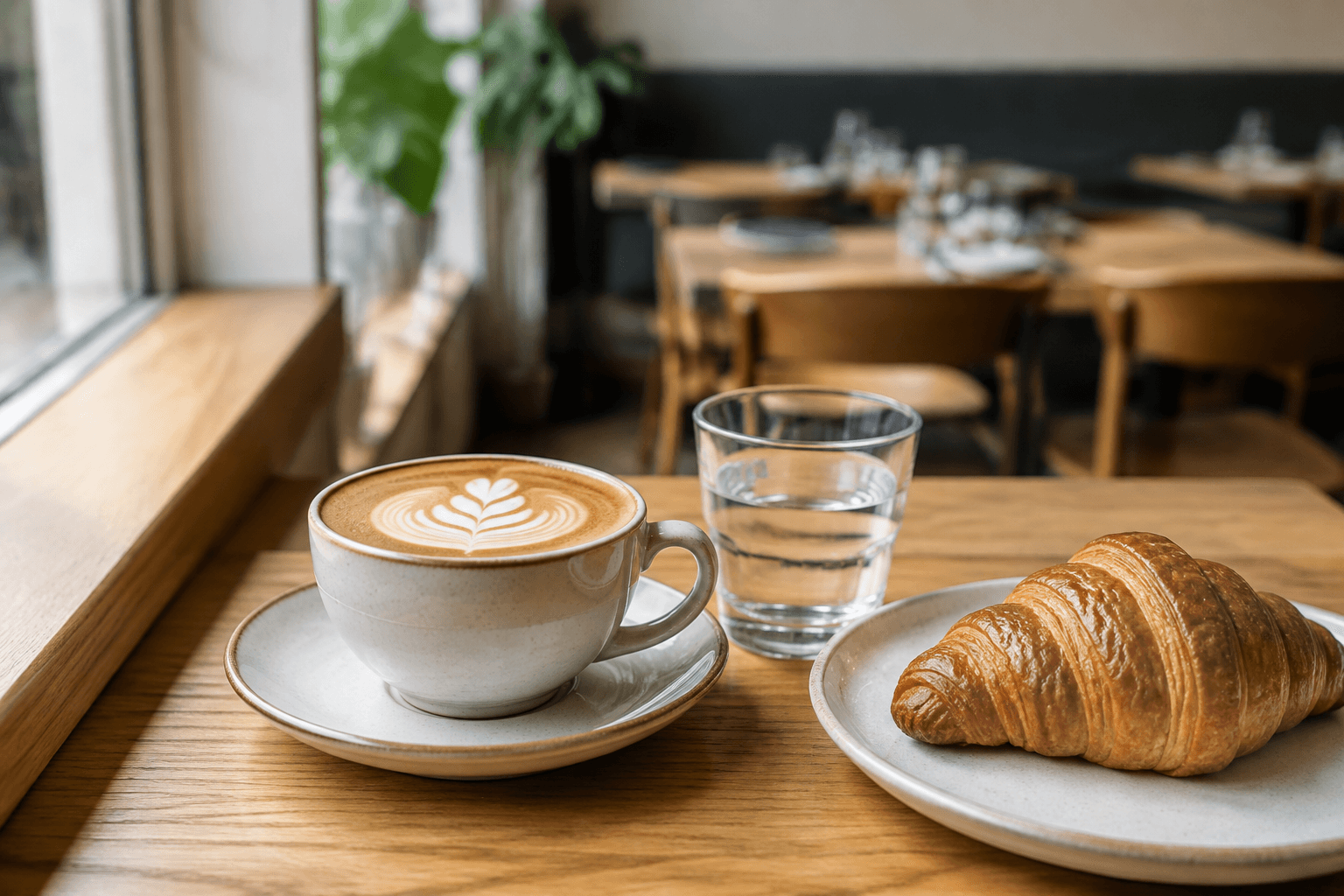
Coffee shop online ordering starts with a clear drink menu. Required sizes and available milk choices help guests finish the order before pickup, while your website keeps location and service hours easy to find.
Use sizes and required options for the selections your baristas need. Keep extra shots, milk substitutions and other available additions clearly priced.
Organize pastries, sandwiches and other cafe food in their own menu categories, with current availability.
Configure the pickup options your cafe supports. Keep published ordering hours aligned with your actual service.
Your branded app and eligible rewards give guests another direct route back to the coffee shop they know.
Yes. Your menu can include required sizes, milk options and clearly priced extras. The restaurant controls which choices are available for each drink.
Eligible points, credits and offers connect with the guest account and direct ordering experience, according to the cafe’s settings.
Configure supported pickup hours and ordering options for the cafe. Review those settings against your actual service routine.
Better together
Let guests order from your restaurant’s website, choose what goes into their meal and check out for pickup or delivery.
Keep points, credits and restaurant offers close to the ordering experience, so guests can see what coming back means for them.
A branded app for your restaurant, connected to your menu, ordering and loyalty.
Let’s look at your restaurant
Bring your menu, your questions and the way you work. We’ll walk through the setup with you.